
All Blog Posts
Explore our extensive collection of insights on legal transcription, court reporting, AI, professional workflows, and more.

Benefit From How Netflix & Hulu Are Solving Video Accessibility Problems
Netflix and Hulu face class action lawsuits for their lack of accessibility. Here's how the streaming services are solving the compliance problems.

Amazon Transcribe vs. Rev AI Comparison
Automated transcription is a part of the workflow for professionals across many industries. Several content creation companies, developers, video

What Is the Difference Between A-Roll and B-Roll? & How to Use Them
A-Roll and B-Roll are simple on paper, but the nuances of working with the different types of footage varies greatly between different types of projects.
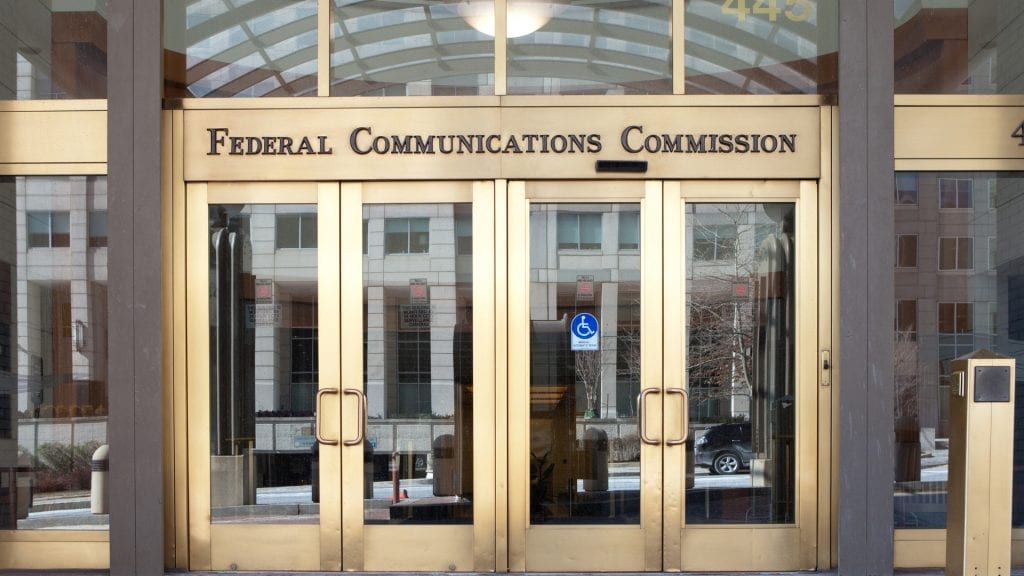
FCC Closed Captioning Rules: Requirements in for Internet and TV Content
FCC closed captioning rules are essential to ensure equal access for TV and video programming. Here's how to meet online requirements on captions.
CVAA Video Accessibility Compliance Requirements
Learn about the requirements for the 21st Century Communications and Video Accessibility Act (CVAA) in 2020 and how to make your content more compliant.
What CC Means on YouTube & How to Utilize It
What exactly does the CC mean on YouTube? Why is it there? How can you use the CC feature? Learn more information right here.
CEA-608 Captions vs. CEA-708 Captions: Which is Best For You?
You’ve heard of CEA-608 and CEA 708 captions, but do you understand the key differences? Here's how the caption formats interact with various platforms.

The Ultimate Guide to Closed Captioning and Subtitling Music Videos
Learn how to caption lyrics to your music video and add the captions to popular video platforms. Subtitles are also useful for lyrics in other languages.

Best Cameras For YouTube Video Production
Compare the top cameras for YouTube creators, from vlogging and studio setups to beginner picks, with features, price considerations, and buying tips.
How to Add Closed Captions and Subtitles to Twitch in No Time
Are you looking to grow your viewers on Twitch? Consider adding subtitles to your Twitch recordings to increase engagement and grow your audience.
How Gen X and Baby Boomers Watch Video Content & What That Means for Production Teams
Take a look at how Gen X and baby boomers watch videos, including their preferences on social, news media, and streaming.
How Gen Z and Millennials Watch Video Content & What That Means for Production Teams
Learn how Generation Z and Millennials watch video and how video producers can adjust to meet their viewing needs & wants.
Subscribe to The Rev Blog
Sign up to get Rev content delivered straight to your inbox.