
Captions & Subtitle Content
Closed Captions vs. Subtitles: What’s the Difference?
Captions & Subtitle Content

Communication Access Real-Time Translation (CART Captioning) 101
Learn what Communication Access Real-Time Translation (CART) is and how it makes spoken communication accessible for everyone.

The Complete Guide to Closed Captioning on YouTube TV
Closed captions provide written descriptions of the dialogue and audio in a video. Here's our guide on closed captioning for YouTube TV.

Closed Captioning Guidelines and Rules: We’ve Got You Covered
From the history of closed captions to best practices when captioning your content, Rev’s closed captioning guidelines have you covered.

The Best Colors for Text on Screen (+ Other Accessibility Tips)
Check out Rev’s guide to the best colors for text on screen, including web copy, captions, and subtitles. Plus other accessibility tips!

How To Get Accurate Korean Subtitles For Your Content
Adding Korean subtitles to your content can dramatically increase your audience. Here’s how to do it with our guide to Korean subtitles.
12 Aesthetic Fonts to Spur Creativity
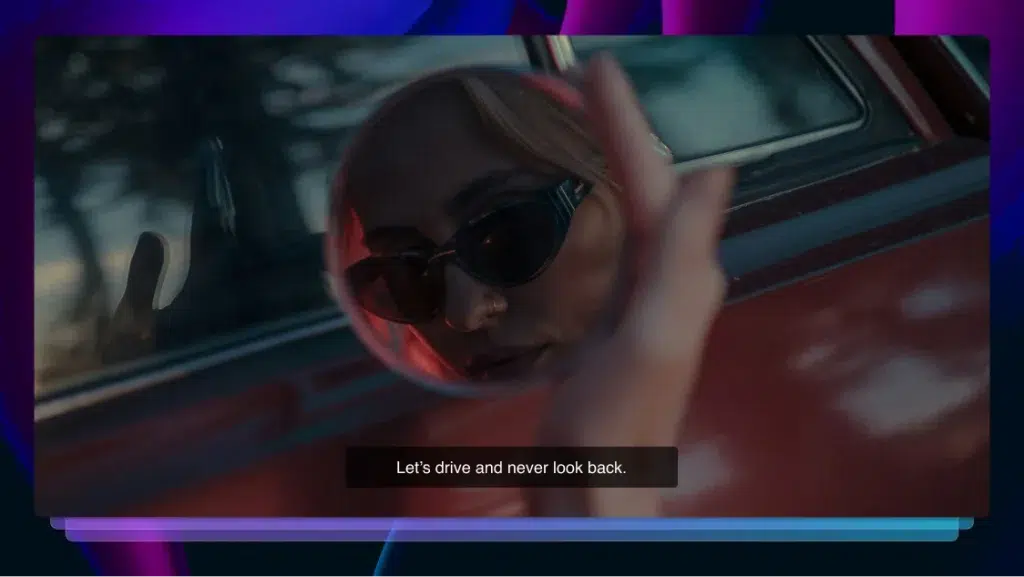
Choosing the right font can be crucial for your brand. Let’s look at some aesthetic fonts that spur creativity and add interesting designs to your work, without sacrificing legibility.
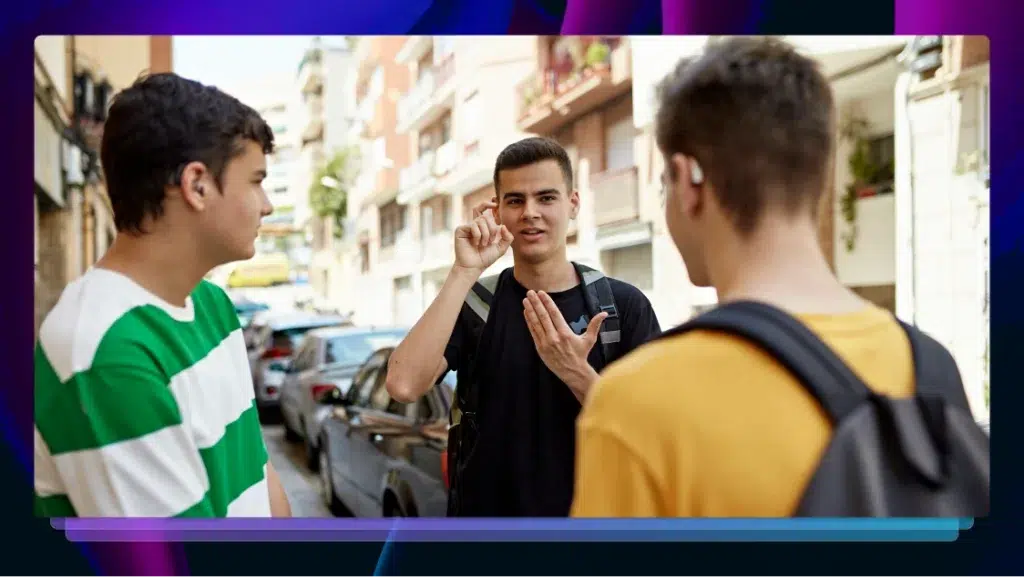
Interpreter vs. Translator — What’s the Difference?
Interpreters and translators work with language, but their roles differ. Learn the differences between interpreting and translating, and when you need each.

Content Localization: 7 Elements & Why it Matters
Unlock global success with content localization. Click to learn the 7 key elements and why they matter for engaging diverse audiences effectively.

Transcription vs. Translation: Which Service Is Right for You?
Uncover the differences between transcription and translation, and discover which service is right for your needs with our in-depth guide.

Live Stream Captions: Requirements, Benefits, & How to Add Them
As live streaming grows in popularity, it’s important to know the requirements for your content and how to add them to your videos.

How to Add Arabic Subtitles to Videos & Movies
Want to take your business international? Target a wider audience by learning how to add Arabic subtitles to your videos.

How to Add Captions to TikTok
TikTok is the fastest-growing social media platform — make your videos viral material by learning how to add captions and subtitles with Rev.

Learn a New Language By Turning On Subtitles
If you’re looking to learn a new language, we suggest immersing yourself in the language through video using subtitles.

How to Add Fonts to Premiere Pro for Subtitles & Captions
Follow these simple steps for downloading and adding new subtitle and caption fonts to Adobe Premiere Pro, no matter what device you’re on.
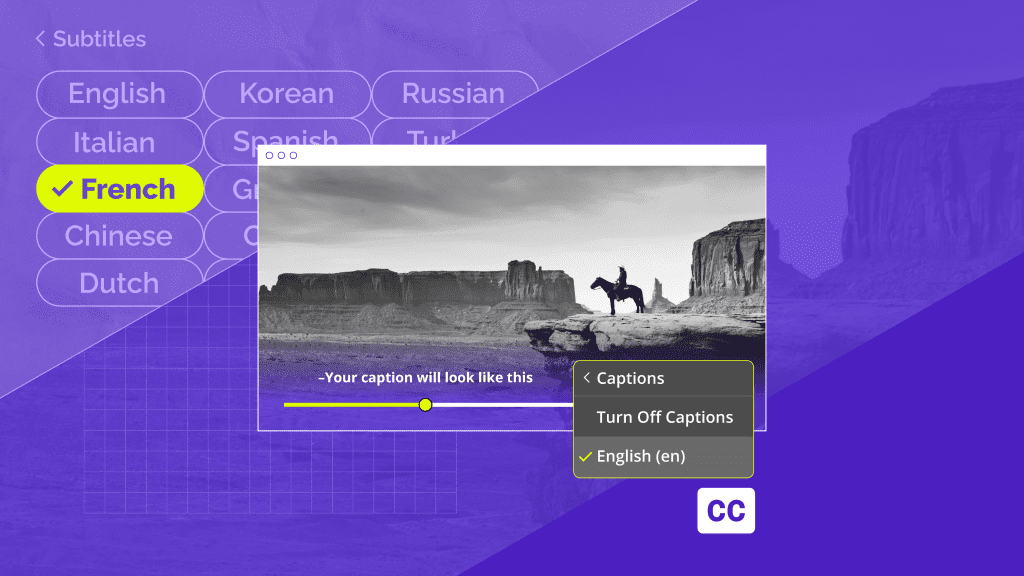
Closed Captions vs. Subtitles: What’s the Difference?
Learn more about closed captions vs. subtitles, the difference between them, and when is each of them used by the experts at Rev.

Best Fonts for Captions and Subtitles in Videos
Make your subtitles easy to read. Discover 7 of the best fonts to use for captions in videos, to get clear and professional text on any screen.

Premiere Pro Subtitles & Captions: How to Add
Editing in Adobe Premiere Pro? Learn how to add subtitles or closed captions step-by-step, so your video content remains accessible to all.

How to Get and Create Subtitles in French for Your Movies, TV Shows, and Videos
Want to take your business international? Target a global audience using your video content with Rev’s French subtitling service.

How to Get Subtitles in Spanish For Your Videos, Movies, and TV Shows
Looking to take your business international? Learn how to reach a global audience with your video content with Rev’s Spanish subtitling service.

How to Get Chinese Subtitles For Movies, Videos and TV Shows
Want to take your business international? Learn how to target a global audience using your video content with Rev’s Chinese (Mandarin) subtitling service.

How to Add Subtitles to a Video Online & Increase Your Audience Reach
Need subtitles fast? Discover several online tools that let you add subtitles to a video without installing software, in just a few easy steps.

When Is Closed Captioning Required by Law?
Unsure about captioning laws? Find out what ADA and other regulations say about closed captions and learn when you’re legally required to caption your videos.
What Are Forced Subtitles?
Forced captions are used at very specific times in videos. Learn more about forced subtitles and how to add subtitles to your videos easily.

How Closed Captions Benefit More Than the Deaf and Hard of Hearing
Closed captions benefit a wide range of people and help them enjoy media and education at similar levels as the general public.

How to Get Japanese Subtitles For Your Videos
Want to take your business international? Learn how to get Japanese or English subtitles for your videos and target a multinational audience.
How to Use Rev AI Captions with Echo360
Rev helps educators easily add captions to captures using Echo360. Use this guide to help create a more accessible learning environment.

Accessibility in Film
Promoting film accessibility has helped Alamo Drafthouse build loyal audiences. Learn how working with Rev can help your film process.

Top 7 Places You Need To Watch Videos on Mute
People are using captions to watch videos everywhere—here is a list of the top 7 places you should be watching videos on mute.

How to Transcribe and Caption School Board Meetings
Want an easy way to capture everything that happens during a school board meeting? Here’s how to get accurate transcription of your meetings using top audio transcription tools.

How Rev’s Social Media Manager Uses Rev Captions
In today’s post, we interview Anna Rachel Rich, Rev’s Social Media Manager, to discuss how she uses Rev captions to create engaging, accessible videos.

Benefits of Burn-In Captions
Burn-in captions (or open captions) are hard-coded into your video. Learn more about how these enhance your content.

Subtitles Gone Bad: What We Can Learn From Netflix’s ‘Squid Game’
Netflix's 'Squid Game' has generated criticism due to inaccurate subtitle and captions. Learn why subtitle accuracy is so crucial.

Navigating Deafness in a Digital World: Q&A With Rachel Kolb
Learn what it’s like for Rachel Kolb—a writer, speaker, scholar, and disability advocate—to navigate deafness in a digital world.

How to Add Captions and Subtitles in Final Cut Pro
Add captions or foreign language subtitles in CEA-608 (SCC) format in Final Cut Pro X. Export as a sidecar or embeded in media.

How to Add Captions and Subtitles in iMovie
Learn how to add captions and subtitles to your videos in iMovie in 2021. These captions will render directly on your video export from iMovie.

The Ultimate Roundup of Compelling Closed Captions Statistics
Whether you're looking to imrpove accessibility, boost SEO, or promote engagement, these statistics prove the benefits of closed captions.

Subscribe to The Rev Blog
Sign up to get Rev content delivered straight to your inbox.