
The Rise Of Digital Courtrooms + How To Go Digital Correctly
Rev examines the pros and cons of digital courtrooms and how to correctly add digital components to your legal work without sacrificing your effectiveness in the courtroom.

Wooden gavels. Polished benches. Black robes. Certain images, like those from a traditional courtroom, seem unchanged by the rigors of time. But times, they are a-changin’, and the courtroom isn’t immune from the encroachment of technology.
Screens, projectors, remote access, and even AI tools have become just as common in court as the jury box. Digital courtrooms and virtual court (or video court) are here to stay, and we’re all better for it.
“No one, absolutely no one, should be left out of the process in a court of law. Everyone should be able to understand what is happening and participate actively,” said Ramzy Ladah, Attorney and Founder of Ladah Law Firm.
“Digital rooms can make the cases clearer, with videos, digital presentations (which present the story better) or remote testimonies, as long as you know how to use them.”
Here’s how digital courtrooms are changing the legal landscape, as well as tips for prepping for virtual court, and technology to explore.
What Is Virtual Court?
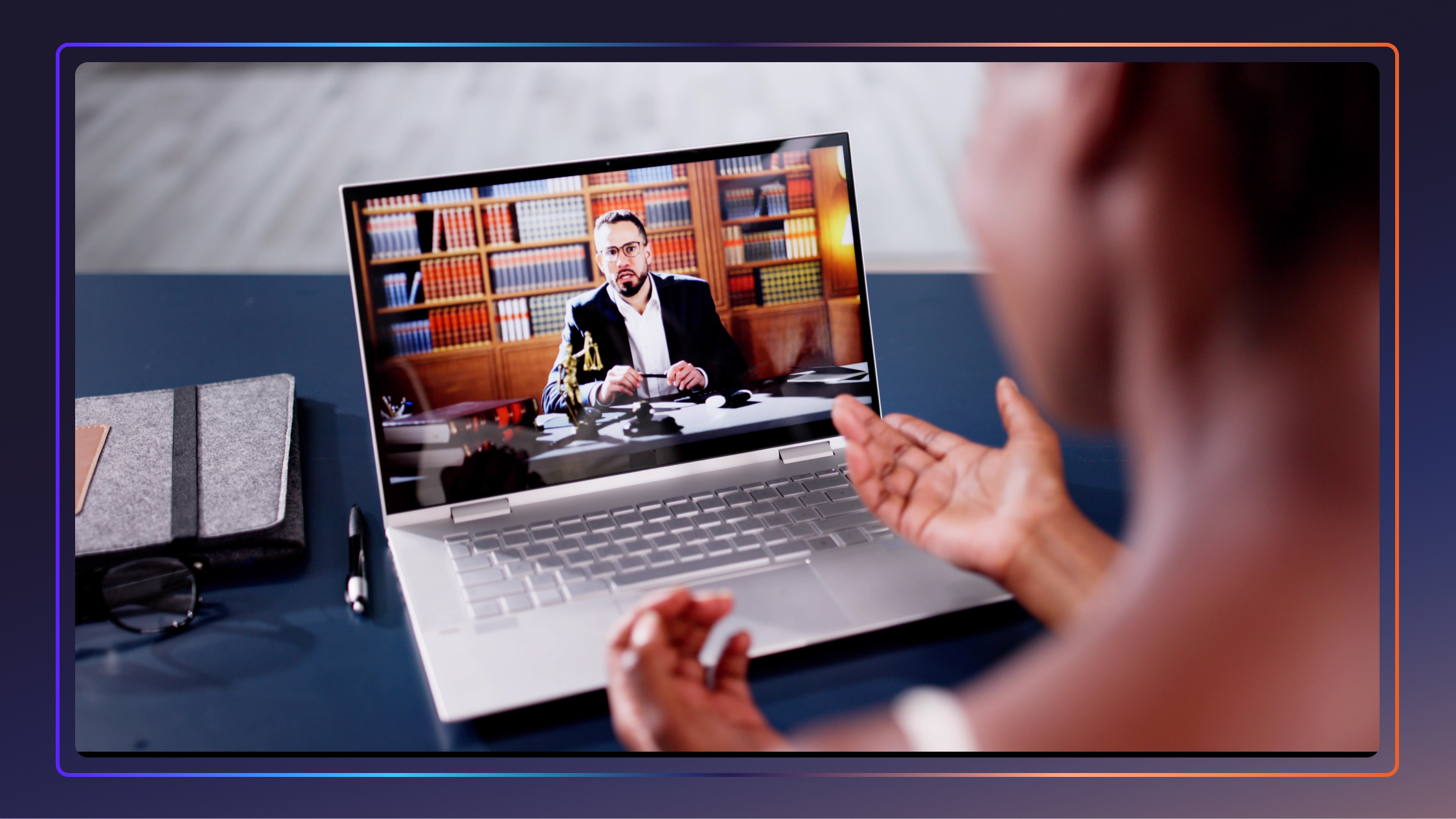
A virtual court is a hearing or other court proceeding where some participants are not physically present, appearing via video instead. To be considered a virtual court, only one person has to participate remotely, including defendants, lawyers, and even the judge. Though it’s not unheard of for the entire proceeding to take place via courtroom video conferencing.
The Digital + Hybrid Courtroom Uprising
As with many changes we’ve seen in our world this decade, the rise of digital and hybrid courtrooms can be traced back to the COVID-19 pandemic. Though the face-to-face world shut down for a while, the legal world trudged on, and digital courtrooms became the norm.
At first, virtual courtrooms seemed like a necessity that would fade as soon as the world opened up again, but the convenience of remote technology never went away. Suddenly, people with transportation issues, disabilities, and those in remote locations could participate in court anywhere, and no one was shut out of the justice system. While the world was closed, a whole new one opened in the courtroom. And it stayed open.
But the introduction of courtroom tech has expanded well beyond your home laptop. Traditional courtrooms have evolved into a digital-heavy experience.
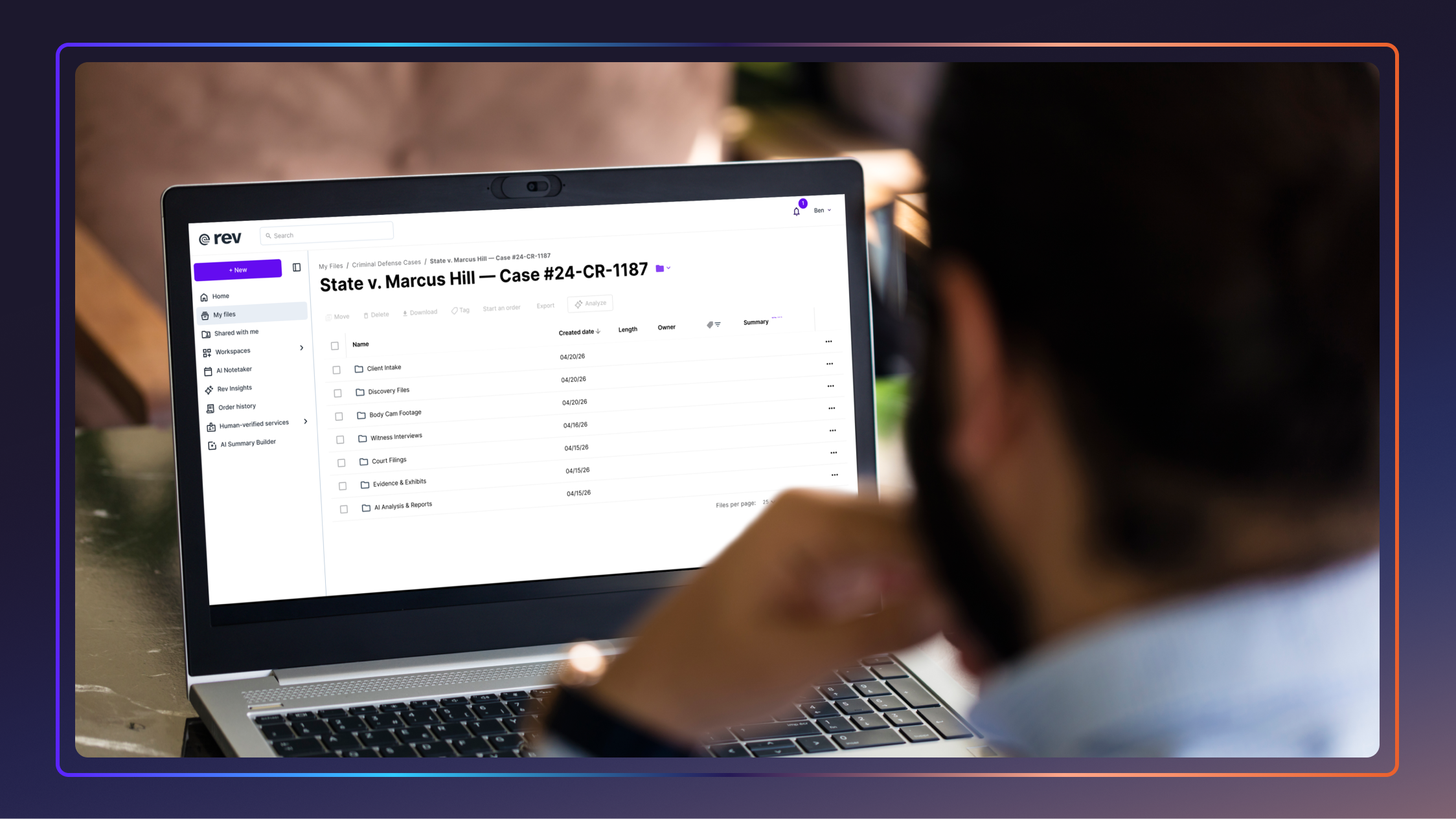
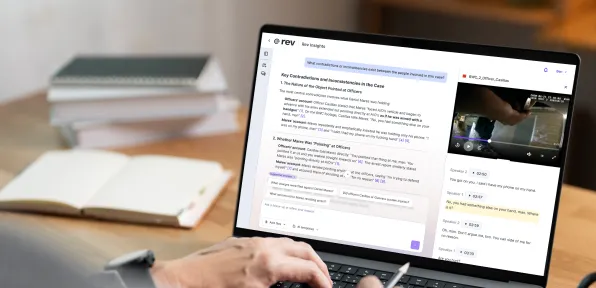
While Zooming an expert witness is a regularity now, so, too, are digital whiteboards, screens to play video evidence, AI in court reporting, electronic evidence, high-definition cameras capturing the proceedings, and even transcription tools like Rev to make those proceedings more accessible.
Pros + Cons Of Digital Courtrooms
As with any technology, there are pros and cons of digital courtrooms:
Pros of the digital courtroom:
- Anyone, anywhere, has access to justice.
- Everyone involved can save time and money.
- Proceedings can be easier to understand thanks to high-res video you can present in court, transcription, captions, and digital evidence tags.
- Scheduling is easier due to teleconferencing.
- Victims can feel more secure since they never have to appear in the same space as the accused.
- Witnesses are more likely to participate if they don’t have to travel.
- Cases can proceed quickly due to the ease of scheduling and no need for travel.
- Evidence can be easier to present digitally.
- Court reporting is easier and more efficient.
Cons of the digital courtroom:
- It’s hard to judge non-verbal cues through a screen, which can make it difficult for judges and juries to make accurate assessments.
- Confidentiality is harder to police. While a judge can control who is in a courtroom, they can’t control who is just off-camera in a remote location.
- Bad internet connections can wreak havoc.
- Some witnesses or defendants may not know how to properly use the technology.
- Digital security is harder to enact than physical security, and personal devices can’t always be controlled.
How To Prepare For Virtual Court As A Lawyer
In the digital courtroom, professionalism and decorum must remain the same, if not even more of a focus. Here’s how to prepare for virtual court as a lawyer.
1. Use The Best Tech Available
This digital court revolution is supposed to make things more convenient for everyone, so make sure that you’re maximizing your own potential with the best legal tech platforms. Think beyond your screen and teleconferencing software and consider other services that can help.
Case and evidence management platforms like Clio can make it easy to present digital evidence, for instance. A platform that can automatically record and transcribe any video almost instantly, like Rev, can cut evidence review time by a significant amount. Some AI-based tools, like FileVine, will automate things like scheduling and client communication.
In fact, AI-based tools seem to be the future. “I think tools that incorporate AI will be incredibly helpful in analyzing each and every document involved in case processes,” said Adam Dayan, founder of Consumer Law Group, LLC.
"And this will be the most significant change that is bound to have a large impact, in my opinion.”
2. Understand Technology Involved
Nothing screams “unprofessional” like talking while still on mute or not being able to share your screen. To ensure a smooth virtual hearing, practice every aspect of a remote connection. Know how to connect, how to screenshare, how to control your mic, and how to set up a breakout room.
On the flipside, know the limitations of the court’s technology. If the court has connection instructions, learn them. It won’t help anyone if your tech isn’t compatible with the court’s.
3. Solidify Communication Channels With Your Client
Client-attorney communication is incredibly important in the courtroom. If you’re physically together, you can take a quick private “conference” in the form of whispering questions or instructions.
Those kinds of asides are more complicated when using virtual justice software or courtroom video conferencing, so make sure that both of you know how to send private messages without disrupting the proceedings.
4. Have All Case Materials Ready
Having a physical folder in front of you is one thing; in live court you can approach the bench, present a document to a jury, and generally be more hands-on and demonstrative. Much of that presentation capability can be lost in virtual court unless you’re extra prepared. Consider creating a digital trial notebook to organize and digitize all of your material.
“The most important preparation is organizing digital exhibits in advance,” explained Lane Foster, lawyer at Foster Injury Law. "A well-structured electronic exhibit book with clearly labeled documents allows counsel to move quickly during examinations.” -
5. Your Camera and Audio Setup Matters
Invest in a good external camera and professional light for remote courtroom appearances. You want to make sure that you look like the professional you are. Make sure your camera angle mimics what a judge or jury might see; no “up the nose” angles we all see in work meetings. And if the room behind you is visually unappealing, hang a backdrop or use a virtual backdrop.
You should also check your audio feed for electronic hums that your microphone might pick up, but your ear doesn’t. Make sure there are no other distractions, like noisy neighbors or street traffic.
And for gosh sake, lock the cat in another room.
How To Prepare For Virtual Court As A Plaintiff
While the plaintiff isn’t usually a professional in the digital courtroom, taking a few basic steps to get ready for virtual court can make a difference in an outcome. Steps like:
- Dress appropriately. You’re still in court. Business casual at a minimum.
- Use a neutral background, or make sure yours is uncluttered and not distracting.
- Know how to use your software, camera, and microphone.
- Talk to your lawyer. They’ll tell you exactly what you need to do.
- Be on time. You’re still in court!
- Make sure your “name” on your teleconferencing platform is your legal name.
- Don’t drive during your hearing (yes, it’s happened before).
How Long Does Virtual Court Take?
Virtual court can take anywhere from a few minutes to an entire day or longer, just like regular court. At a minimum, plan for 30 minutes just to account for scheduling and setup issues.
How Should I Greet A Judge?
You should greet a judge in a digital courtroom as “your honor” or “judge,” the same as you would in physical court. If it’s your first interaction of the day, a “Good morning, your honor,” or “Good afternoon, your honor,” can’t hurt.
What Color Do Judges Like To See In Court?
Judges like to see conservative colors in court, whether it’s live and in-person or virtual court. Grey, navy, white, and blue are smart choices. Nothing flamboyant or too authoritative, like black. If you think a judge will notice any part of your outfit, like the colors, patterns, or accessories like jewelry, avoid it.
Choose Your Legal Tech Carefully
While technology and digital courtrooms have made court proceedings much easier for everyone involved, it’s also complicated matters. Tech compatibility and digital security issues are still major problems in the digital legal world, and if you're not careful, you can create more problems than you solve.
When choosing your court technology, ensure that:
- It works seamlessly with your current tech stack.
- It works with the court’s available technology. The last thing you want is to disrupt a proceeding because you didn’t check compatibility.
- It’s scalable and can handle large or unforeseen circumstances without disrupting your case.
- It’s secure. Digital security should always be top-of-mind with legal tech.
- A reliable platform like Rev, for instance, offers enterprise-grade security, file encryption, data privacy, and compliance with HIPAA, SOC 2 Type II, and CJIS.
- The features improve your productivity.
- Rev’s industry-leading ASR means that you can almost instantly transcribe hours of video or audio footage, saving you hours of work
Rev Is Virtually Indispensable In Court
In addition to seamlessly working with all major teleconferencing platforms like Zoom, Microsoft Teams, and Google, Rev streamlines your entire legal workflow. Cut hours of evidence review into minutes by turning any audio or video files into searchable, scannable text documents that are accurate and reliable.
After all, there’s a reason we were named the #1 Legal Assistant in G2’s Spring 2026 Report.
If you want your entire job to be easier in both the physical and virtual courtroom, look no further than Rev.