•
Writer


The main difference between open and closed captions is how much of the captions you can control. Open captions are permanently embedded in a video and can’t be turned off. Closed captions are delivered separately from the video and can usually be turned on or off by the viewer.
That seemingly small difference affects where each type works best, how easily captions can be updated, and how much control viewers have over their experience.
Here’s how open captions vs. closed captions compare and how to choose the right option for your video.
Both types of captions can contain the same information, including spoken dialogue, speaker identification, music, and meaningful sound effects. The difference is how that information gets delivered. Check out this chart of differences to get a better understanding:
Open captions are text that's permanently displayed within a video. You may also hear them called burned-in captions, hardcoded captions, or embedded captions.
Because the captions become part of the video image itself, viewers don’t have to find a CC button or change their settings. If the video plays, the captions appear. That makes open captions especially useful when you need to guarantee that everyone sees the text. For example, open captions can be a strong fit for:
Open captions also give creators more visual control. You can choose the font, size, color, positioning, background, and other design elements before exporting the final video.
The tradeoff? The viewer gets no control. Once the captions are burned in, they can’t be hidden. Fixing an error or changing the language usually means editing and exporting a new version of the video each time you want to make a change.
Closed captions are a separate part of a video that viewers can easily turn on or off on their own devices. Rather than becoming part of the video image, the captions are typically delivered through a file such as an SRT file, WebVTT file, or another caption format supported by the video platform.
Think of the CC button on YouTube or a streaming service. The captions are available, but the viewer decides whether to display them. Closed captions are commonly used for:
Because the text is separate from the video itself, closed captions are also more flexible. You can edit your closed caption files without re-editing the video itself, and platforms may allow viewers to adjust characteristics such as text size or appearance.
Closed-caption systems can also support multiple language tracks without requiring a separate copy of the video for every language, a major advantage for those trying to localize their content.
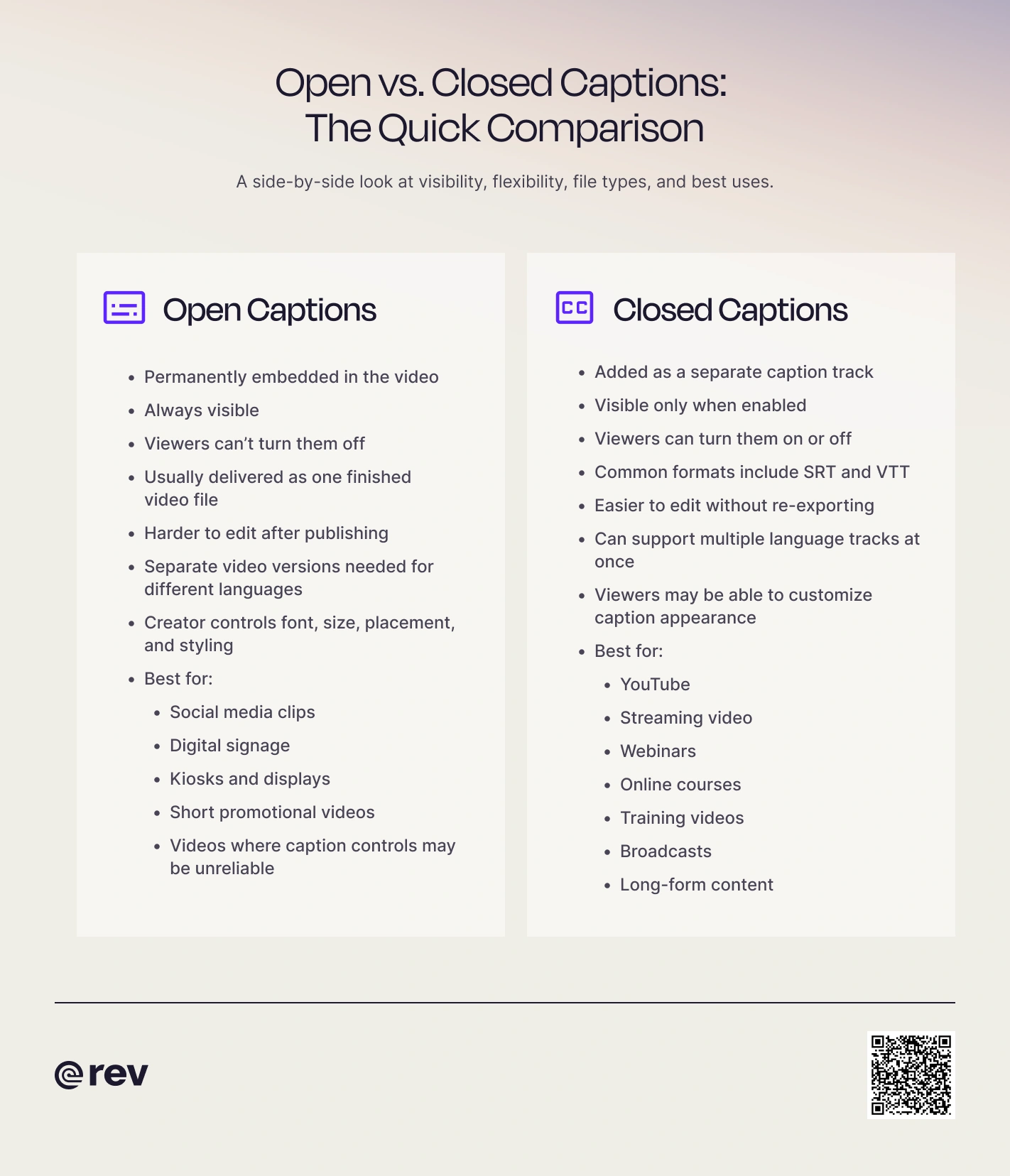
When comparing open and closed captions, neither option is going to win every time. Each solves a slightly different problem, so what option is best for you will depend heavily on what the goals of your video/project are.
Advantages of open captions include:
Open captions have some drawbacks as well, that are important to keep in mind before starting on your project. Disadvantages of open captions include:
If you aren’t sure about open captions, consider these closed captions advantages:
Disadvantages of closed captions include:
Use open captions when guaranteed visibility matters more than viewer control. Social media is one great example. A short clip may need to communicate its message instantly, even if someone is scrolling without sound. In that case, open captions ensure that you are always getting your message across, no matter how the user prefers to scroll.
Open captions can also make sense for digital signage, event displays, lobby screens, or other videos where viewers can’t easily interact with playback controls. They’re also useful when you want highly designed or aesthetic fonts to be part of the visual creative itself.
Because viewers can’t resize open captions themselves, readability needs to be built into the video. Follow these steps to ensure readability:
WCAG and Section 508 recommend readable fonts and emphasize appropriate sizing, contrast, timing, and placement when creating accessible captions.
Use closed captions when viewer choice, flexibility, or long-term content management matters the most. For example, closed captions usually make more sense for a one-hour webinar than permanently placing text over the entire video.
They’re also a natural fit when your platform already provides a CC control or when you expect to update captions or add more languages later. Closed captions are particularly useful for:
In many cases, the best strategy isn’t choosing one format and never pivoting. It’s creating different versions for different distribution channels. You might upload closed captions with a full-length YouTube video, then use open captions on the shorter clips you publish elsewhere.
Both open and closed captions can make audio information available to people who are deaf or hard of hearing. But accessibility involves more than simply putting words on the screen.
The Web Content Accessibility Guidelines (WCAG) calls for captions on prerecorded synchronized media containing audio, with limited exceptions. Effective captions include not only dialogue but also meaningful information such as speaker identification and important non-speech sounds.
Closed captions often offer additional flexibility because the player provides options to show, hide, or even customize the captions. Requirements can also depend on where and how a video is distributed. For example, the FCC has specific closed-captioning rules covering television programming.
If you’re captioning content to satisfy a particular legal or organizational requirement, confirm the standards that apply to your organization and distribution channel rather than assuming one caption format automatically guarantees compliance. (Note: Rev offers FCC and ADA compliant caption options)
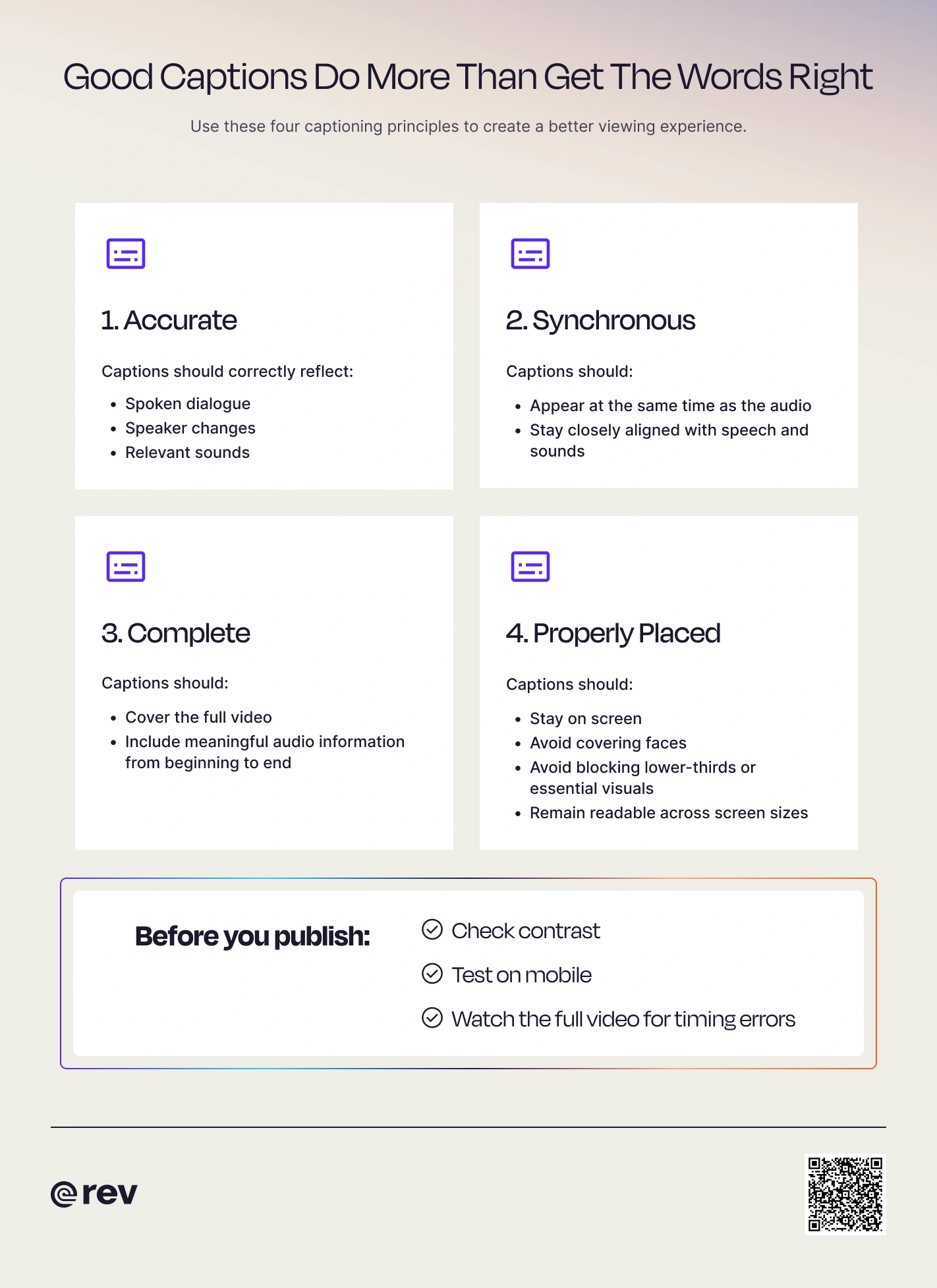
Whether captions are open or closed, quality matters. The FCC identifies four important characteristics for television captions:
Those principles are useful far beyond television. For example, a caption that appears five seconds late on a social media video isn’t very helpful simply because technically it exists.
Captions are designed to communicate the meaningful audio in a video, which can include dialogue, speaker changes, music, and sounds such as [door slams] or [phone ringing]. Subtitles traditionally focus on presenting spoken dialogue in another language.
The terminology isn’t used consistently on every platform, so you may sometimes see “subtitles” used as a catch-all term. But if accessibility is the goal, the distinction matters.
Learn more in our guide to closed captions vs. subtitles.
Both processes start in roughly the same place: with an accurate, time-coded version of the audio. From there, the workflow splits.
Here’s a walkthrough of how to add closed captions to your video(s):
1. Transcribe the spoken audio and relevant sounds manually, or get it professionally transcribed with Rev
2. Add timestamps so each caption appears at the right moment (Rev will do this automatically)
3. Review the text for accuracy, timing, and speaker identification.
4. Export the captions in the format your platform supports, such as SRT or VTT.
5. Upload the caption file or track alongside your video.
6. Test the captions before publishing.
Because the captions remain separate, you can usually update them without changing the original video.
Adding open captions to your video follows all the same steps above, with one additional step: burning the finished captions into the video itself.
You can do this with compatible video-editing or captioning software. Once the text has been rendered into the video, export a new video file containing the captions. Before publishing, watch the entire exported version. Look for typos, timing errors, text covering important visuals, and captions that are difficult to read on smaller screens.
Whether you need a separate caption file or captions burned directly into a video, accuracy should come first.
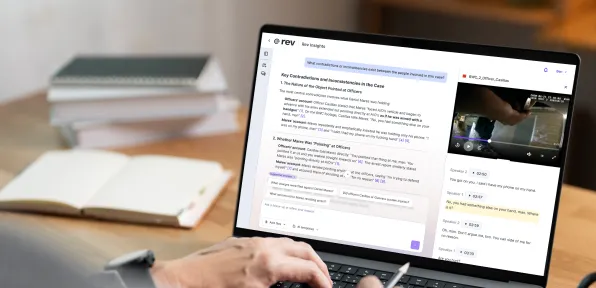
Rev's closed captioning services provide human-reviewed English and Spanish captions with 99%+ accuracy and delivery in 12 hours or less. Rev also offers AI captions when speed is the priority, plus an interactive editor where you can adjust text and timing or create burned-in captions.
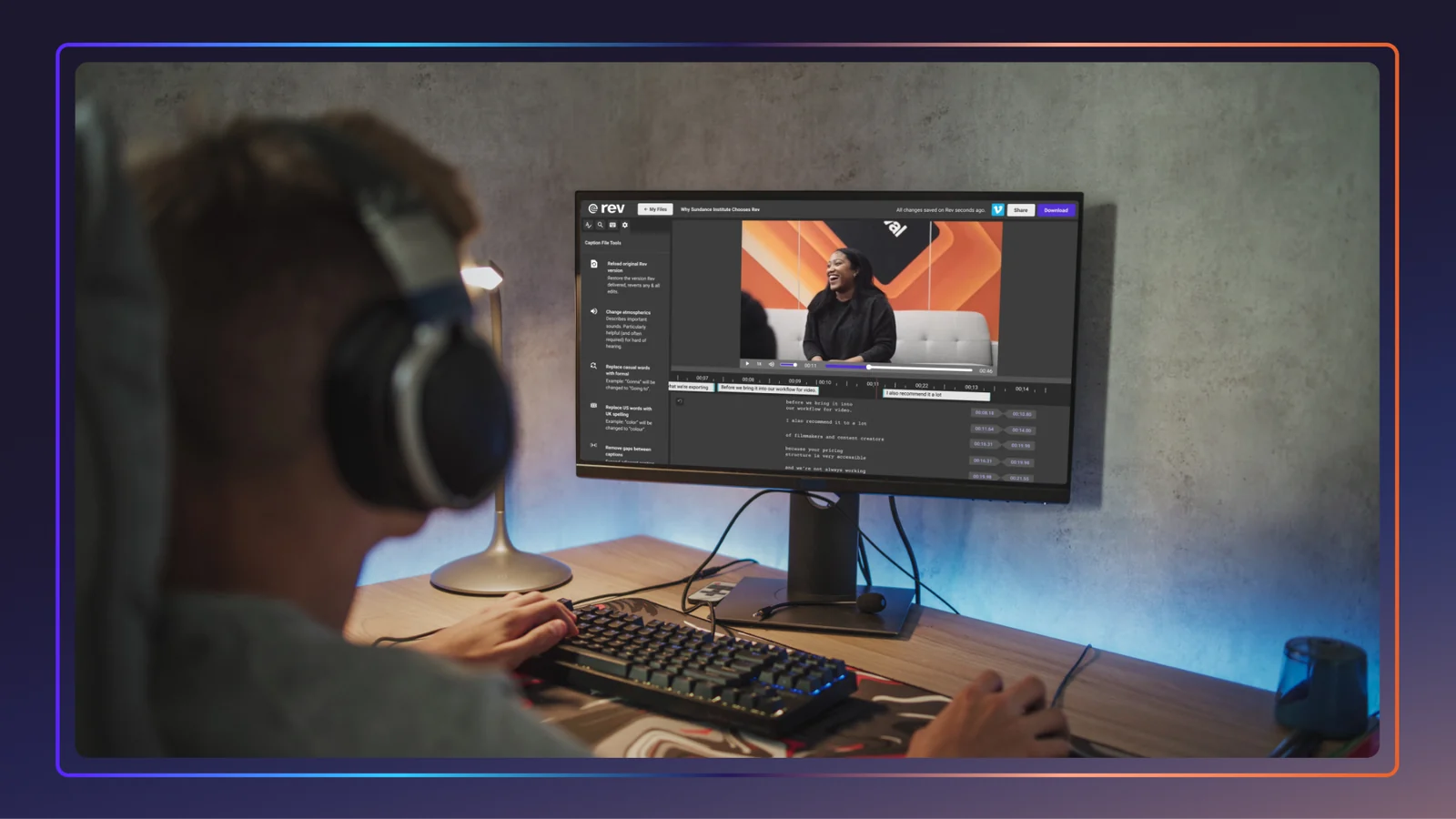
You can also integrate captioning workflows with platforms including YouTube, Vimeo, Dropbox, and Google Drive. That means less time wrestling with caption files and more time creating video people can actually watch, understand, and enjoy.
Sign up to get Rev content delivered straight to your inbox.