
Online Voice Recorder

*Recommended browsers: Google Chrome (Desktop & Android), Safari (iPhone)

Completely Free

This tool is 100% free to use. Simply record your audio and download an MP3 at no cost. Ordering a Rev transcription of the recording is totally optional.

Privacy & Security Guaranteed

Rev does not collect your recordings or upload anything to our servers. Anything you record is accessible to you and you alone. This tool is completely secure and encrypted.

MP3 Download Format

Our online voice recorder allows you to download a free MP3 after the audio has been recorded.

How to Use The
Free Online Voice Recorder

Step One:
Record

Click the "Record" button to record audio.

Step Two:
Speak

Speak into your device's microphone and make sure the animation shows that audio is being recorded.

Step Three:
Pause

Click "Pause" whenever you wish to stop the audio.

Step Four:
Preview

Click "Preview" to play back your audio with a waveform, where you can listen to your entire recording. You can fast forward, rewind, trim your audio, and play your audio in this view.

Step Five: 
Transcribe

Click "Transcribe" to transcribe your recording to text. Click the "Download" icon to download the recording as an MP3. Click the trashcan icon if you'd like to delete your recording and start over.

Step Six: 
Add to Cart

"Transcribe" adds the recording to your Rev cart in a new tab where you can purchase a transcript. "Download" gives you your recorded MP3 file!

Transcribe Your Trimmed Audio File to Text

Human Transcription

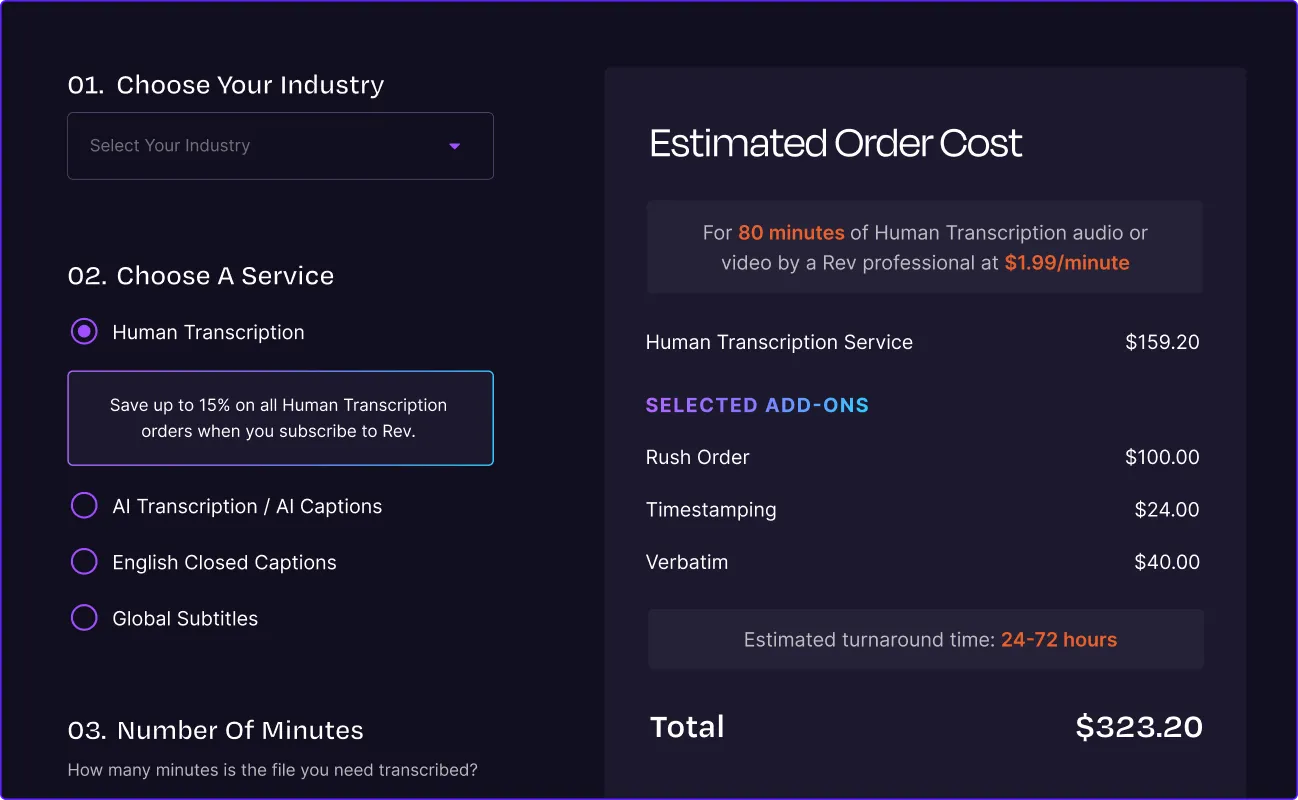
Transcribe your downloaded MP3 with our human transcription services if you're interested in a more accurate solution.
12hr turnaround time
99% accurate transcriptions

AI Transcription

Transcribe your downloaded MP3 with our speech recognition voice to text solution if you're interested in a more affordable, quick turnaround time.
5min turnaround time
90%+ accurate transcriptions

Other Rev Free Online Tools

Voice Recorder App

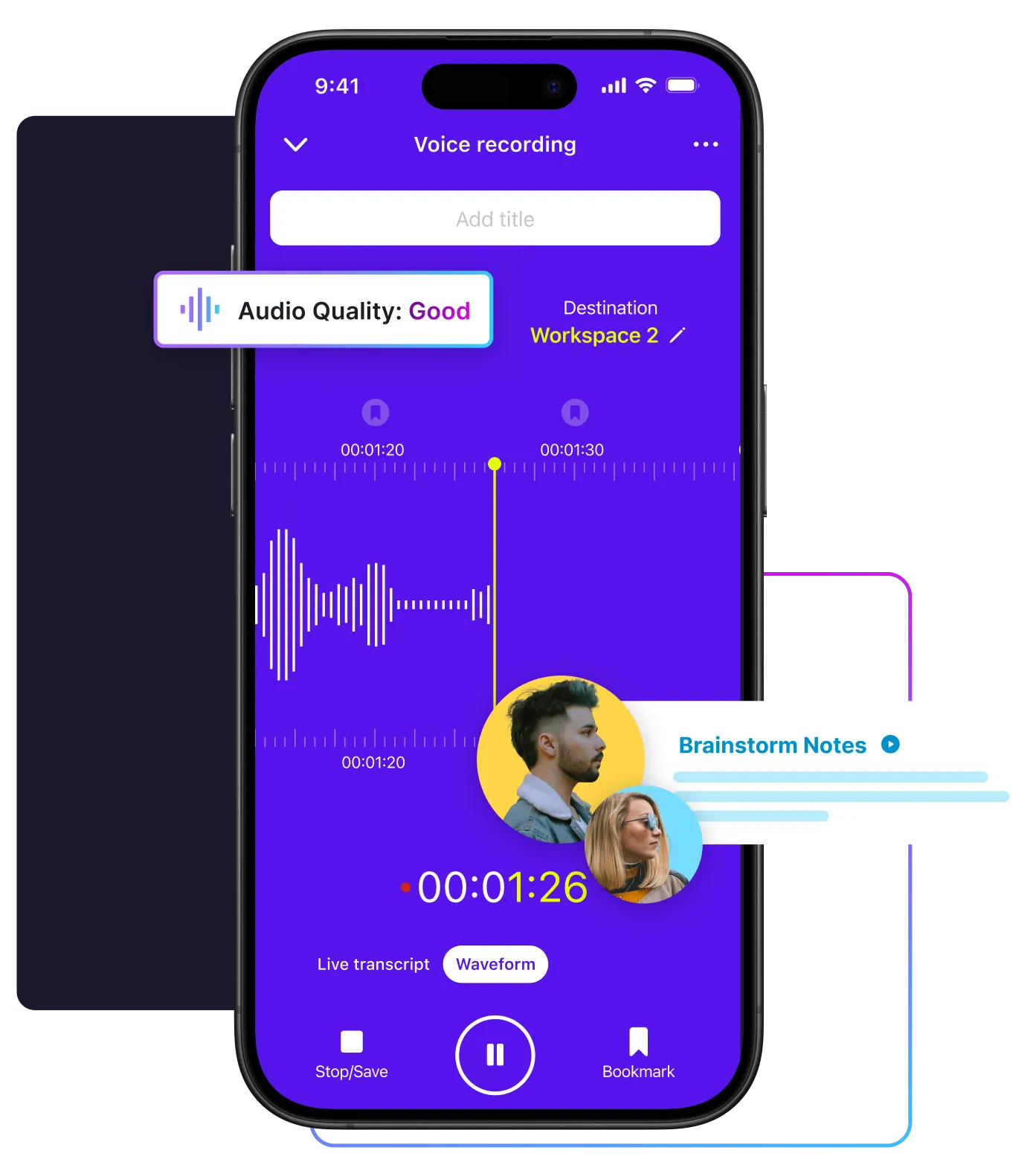
Don't have a reliable audio recorder? We can help with that too. Rev offers a Voice Recorder app - free to download on iPhone and Android. Use your smartphone to conveniently record high-quality audio, edit the files directly in the app, and share with us for transcription. Get your voice recorder for free by downloading our app from your preferred app store.
Smartphone screen showing a purple voice recording app interface with waveform, timer, and audio quality labeled as good

Caption Converter

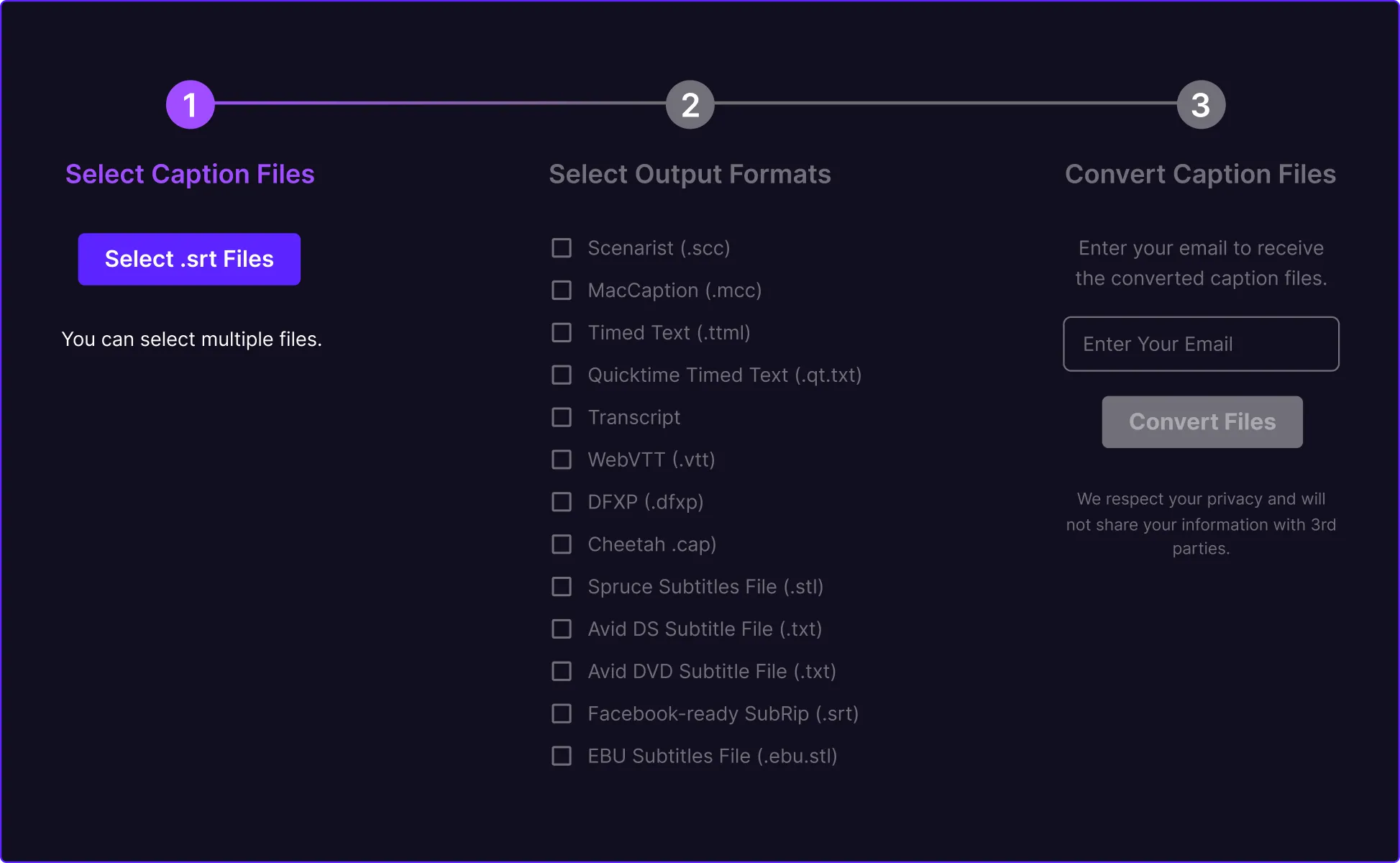
The Rev SRT Caption Converter is totally and completely free to use and allows you to upload your SRT/SubRip file straight into the tool and output TXT, VTT, SCC, MCC, STL, TTML, and more.
Try The Caption Converter
Three-step caption converter interface showing file upload, output format selection, and email submission to convert caption files

Audio Trimmer & Cutter

The Rev Audio Trimmer & Cutter is 100% free to use and allows you to trim and cut out excess audio from several types of audio and video files.
Try The Audio Trimmer & Cutter
Upload screen with an upward-arrow icon prompting the user to upload a file to begin audio trimming
The Rev Online Voice Recorder is a completely private, and easy to use free tool which you can use to record audio, download MP3s, and transcribe speech to text.