
Free Tool
Audio Trimmer & Cutter
Completely Free
This audio trimming tool is 100% free to use. Simply upload an audio or video file and use the tool to trim and cut out excess audio.
How To Use
Simply upload your audio or video file and drag the vertical white bars to select the audio you'd like to keep.
Privacy & Security Guaranteed
Rev does not collect your audio files or upload anything to our servers. Anything you upload or download is accessible to you and you alone. This tool is completely secure and encrypted.
Audio Format Types Supported
You can upload several types of audio and video files to the Rev Audio Trimmer tool. The full list of supported files is listed below.
Files We Accept

MP3
OGG
AAC
ALAC
WAV
M4A
FLAC
Files We Create
MP3
Transcribe Your Trimmed Audio File to Text
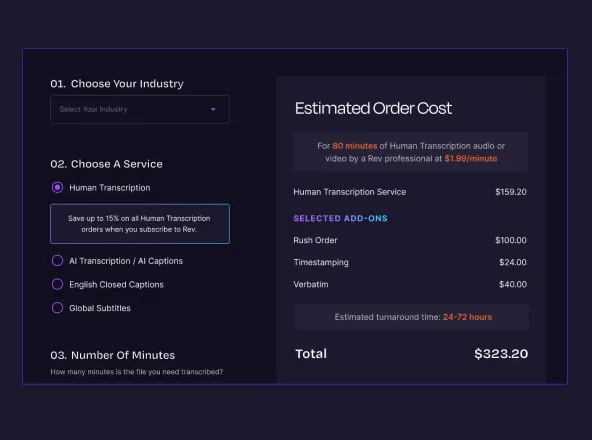
Human Transcription
Transcribe your downloaded MP3 with our human transcription services if you're interested in a more accurate solution.
$1.99 /minute
12hr turnaround time
99% accurate transcriptions
AI Transcription
Transcribe your downloaded MP3 with our speech recognition voice to text solution if you're interested in a more affordable, quick turnaround time.
$0.25 /minute
5min turnaround time
90%+ accurate transcriptions
Other Rev Free Online Tools
Voice Recorder App
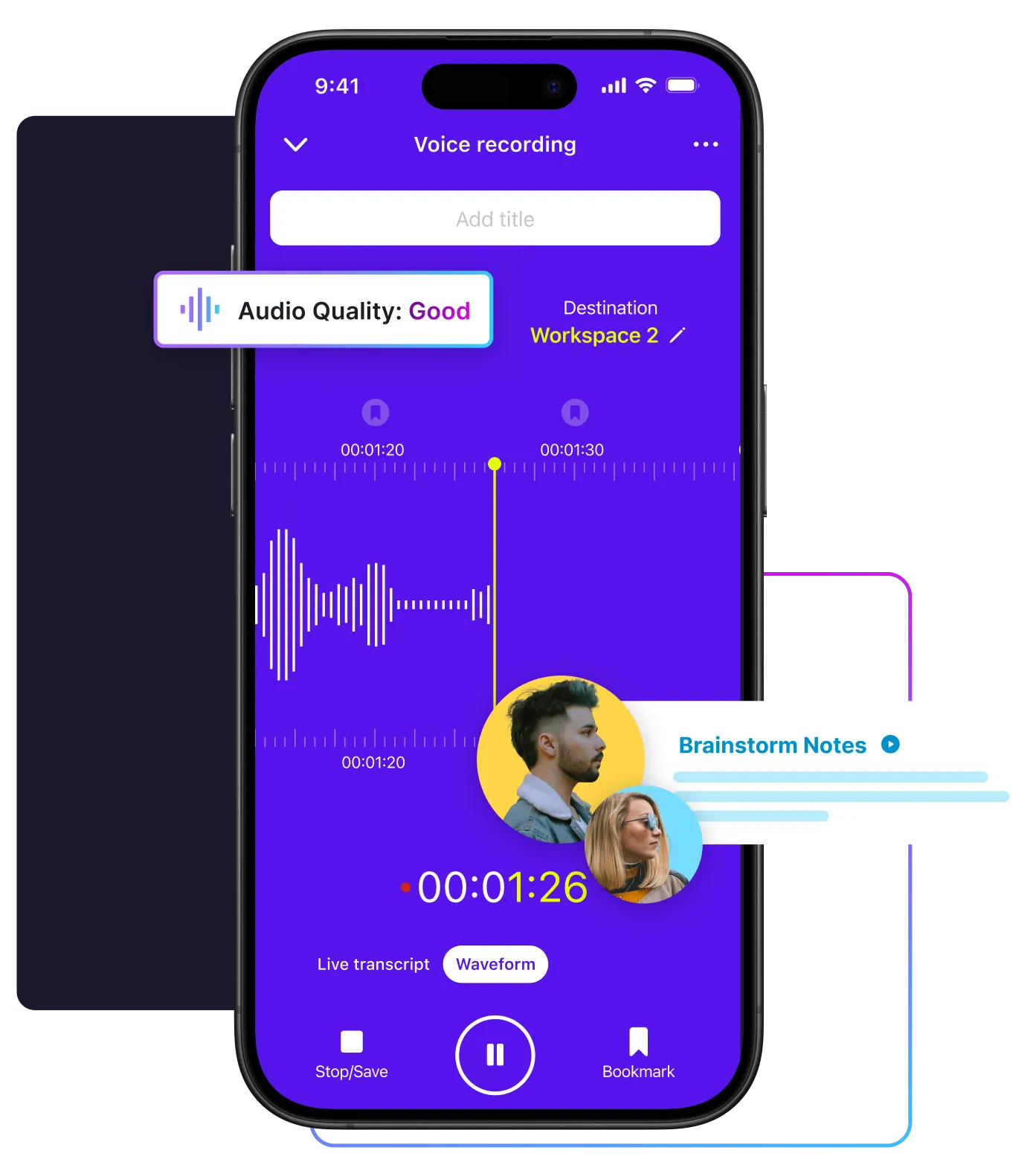
Don't have a reliable audio recorder? We can help with that too. Rev offers a Voice Recorder app - free to download on iPhone and Android. Use your smartphone to conveniently record high-quality audio, edit the files directly in the app, and share with us for transcription. Get your voice recorder for free by downloading our app from your preferred app store.


Online Voice Recorder
The Rev Online Voice Recorder is a completely private, easy-to-use free tool that you can use to record audio, download MP3s, and transcribe speech-to-text.
Try The Online Voice Recorder
Caption Converter
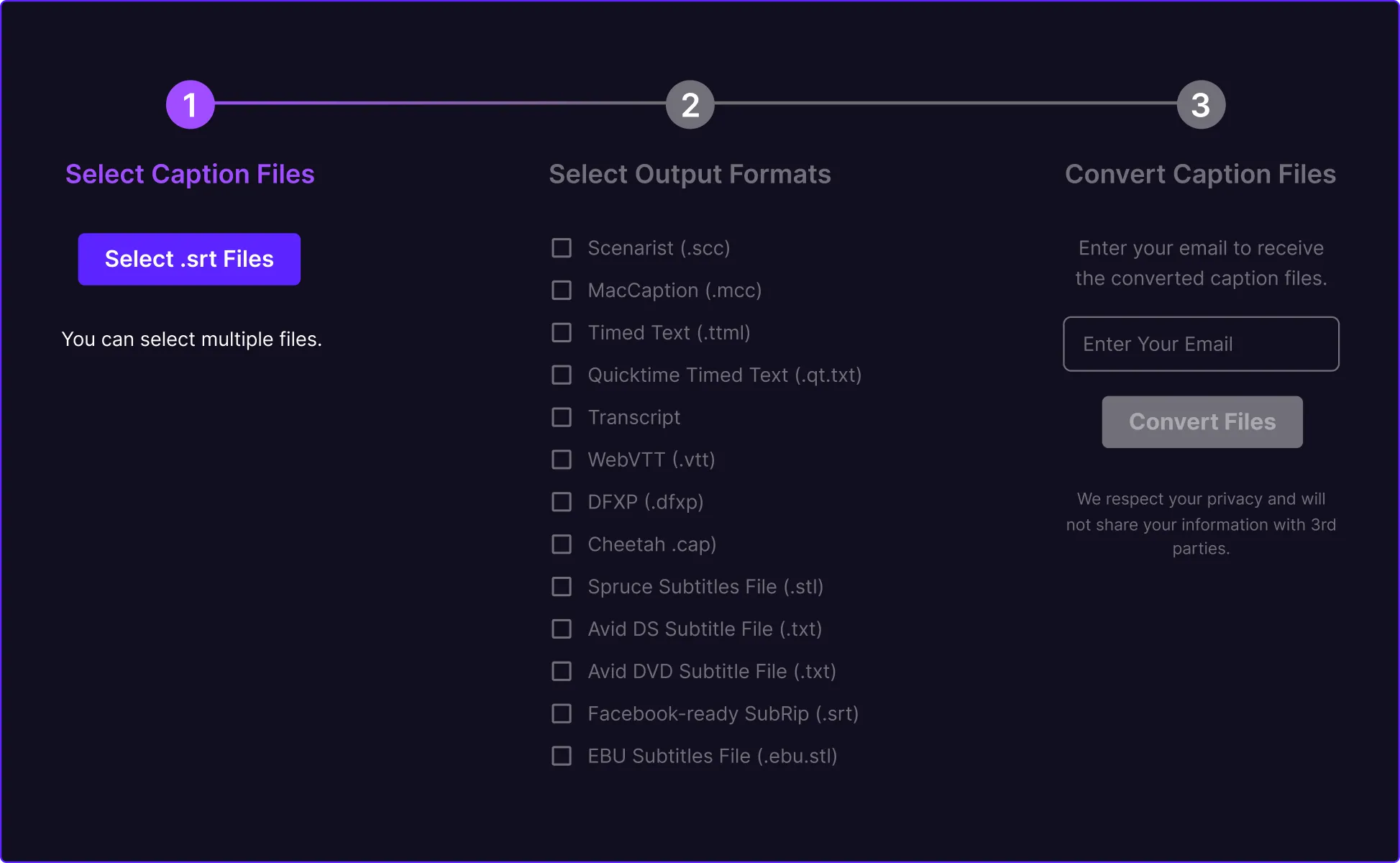
The Rev SRT Caption Converter is totally and completely free to use and allows you to upload your SRT/SubRip file straight into the tool and output TXT, VTT, SCC, MCC, STL, TTML, and more.
Try The Caption Converter